



Man, I used to be totally stuck in the past with cable, seriously. One weekend it was pouring rain outside—the kind where you can smell the wet leaves even with the windows closed—and the heater was blasting hot air that made everything feel stuffy. I just snapped. I said screw this, I wanna stream movies directly on the smart TV without buying extra crap or dealing with a million steps.
Turns out most TVs from like the last 5-8 years are smart enough to do this built-in. Mine’s this Samsung from 2020 or so running Tizen, but LGs with webOS, Sony with Google TV, Vizio stuff, even ones with Roku baked in—they all pretty much work the same way. No Fire Stick needed unless your TV is super old. The best part is it’s all right there on the big screen, no laggy casting, no phone battery dying halfway through.
Why Even Bother With Direct Streaming on the TV?
Everyone’s yelling at me, I’m red-faced trying to reconnect. Direct streaming? Night and day difference. Smoother picture, no interruptions, feels more like “real” TV but better.
Personalized Recommendations for Movie Nights That Beat the Algorithm – tasteray.com
How I Actually Got It Working (Step by Step, With My Screw-Ups)
First thing: connect the damn TV to Wi-Fi. Obvious, right? Except I moved the router once and forgot to reconnect the TV—sat there for like 25 minutes like an idiot wondering why apps wouldn’t load.
Then:
- Hit the home button or whatever brings up the smart hub on your TV.
- Go into the app store—Samsung calls it “Apps,” LG has “Content Store,” Android/Google TVs use Google Play Store.
- Search for Netflix, Hulu, Disney+, Prime Video, Max, whatever you got. Download ’em and log in. If you’re already paying on your phone or computer, just use those credentials—no double subscriptions.
- For stuff that’s actually free, try Tubi, Pluto TV, Freevee. Ads every 10 minutes suck but hey, zero dollars for movies.
First time I did this I went crazy and installed like 10 apps. Overwhelmed myself real quick. Started simple with Netflix cuz that’s her favorite, then Prime cuz Amazon already gets my money for packages anyway. Weirdly I got hooked on some random 80s horror on Tubi—watched it late one night with the lights off, popcorn bowl balanced on my lap, felt kinda nostalgic.
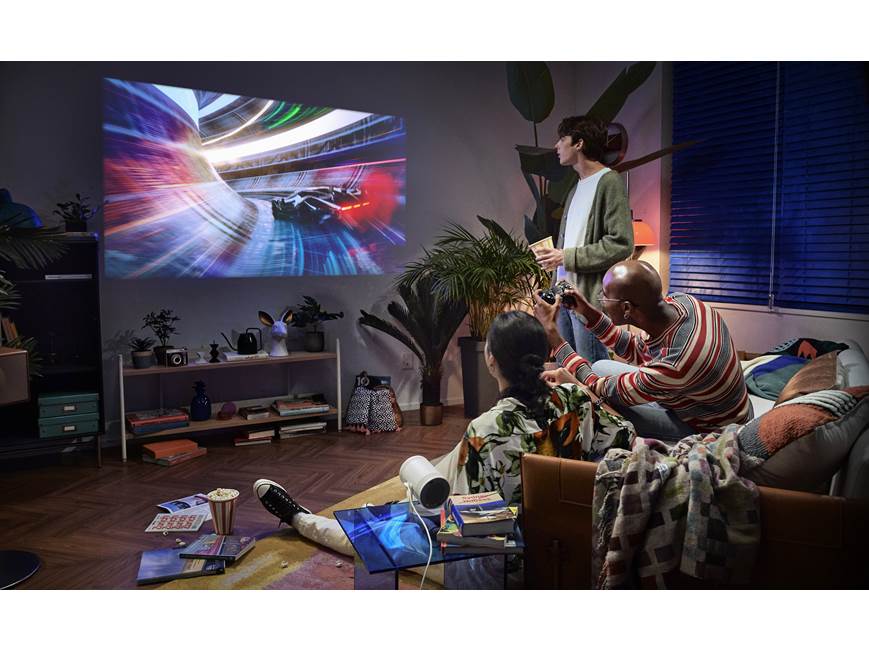
Samsung The Freestyle Portable smart projector plays your movies and shows anywhere at Crutchfield
(Okay this one’s a bit projector-focused but ignore that—the living room vibe with people chilling and big screen is spot on for what I’m talking about. Filename suggestion: cozy-smart-tv-movie-night-people.jpg)
If You Gotta Cast Anyway (But Seriously Try Direct)
Some movies are only on your phone app or YouTube or whatever. Then yeah, cast. Android phones have the Cast button in most apps, iPhones use AirPlay if the TV supports it (newer ones do). Google TVs have Chromecast built right in.
I cast a free doc once—worked okay till my phone got hot and shut off mid-way. Pro tip: plug your phone in or just install the app on the TV next time, dummy.
For a quick visual on setup, this YouTube vid helped me early days: https://www.youtube.com/watch?v=vCAFaD5RcUY (How to Set Up Streaming TV basics). Place it here after the steps if you’re visual learner like me.
Another one good for Google/Android TV owners: https://www.youtube.com/watch?v=l9MKu6M0EJ8. (Beginner’s guide to setup).
(Quick shoutout to PCMag for good streaming service roundups too: https://www.pcmag.com/picks/best-movie-streaming-services)
The Dumb Stuff I Did So You Don’t Have To
Signed up for way too many services at once—thought more = better. Canceled two within a month cuz who watches that much? Stream movies on smart TV without the hassle—I finally ditched cable after way too many frustrating nights, here’s how I do it now Forgot to update TV firmware once, apps kept crashing. Always check settings for updates. And yeah, remote batteries died during a binge—had to get up, find AAA batteries in the junk drawer, super annoying.




