



Alright look, Streaming Boxes vs Streaming I’ve been down this road more times than I care to admit. Back when I first cut the cord in like 2019—living in a tiny one-bedroom in Austin at the time—the built-in apps on my cheap TCL Roku TV were driving me nuts. Freezing during Stranger Things episodes, menus taking forever to load, you know the drill. So I started throwing money at sticks and boxes like it was going out of style, hoping one would finally fix everything. Spoiler: none of them did perfectly, but some came damn close.
The big obvious difference is shape and how they connect. Streaming Boxes vs Streaming Sticks are these tiny HDMI dongles—Roku Streaming Stick 4K, Amazon Fire TV Stick 4K Max, that kinda thing. They plug straight into the TV, hide behind it (mostly), and don’t take up any counter space. Boxes are the chunkier ones—Roku Ultra, Apple TV 4K, the new Google TV Streamer that’s not even a stick anymore, Amazon Fire TV Cube.
I’ll be real with you, I started with sticks because they’re cheap and easy. Grabbed a Fire TV Stick during Prime Day one year for like $25 and thought I was genius. Plugged it in, hid the power cord behind the entertainment center, done. Worked great… for about six months. Then I started noticing it lagging hard when I tried to run Plex with my ripped Blu-rays or when the kids wanted to watch YouTube in 4K. The interface would stutter, apps would crash occasionally, and once it straight-up overheated so bad the picture went all pixelated green during a Marvel movie. I had to pause, pull it out, let it cool like it was a tiny computer having a meltdown. Embarrassing.
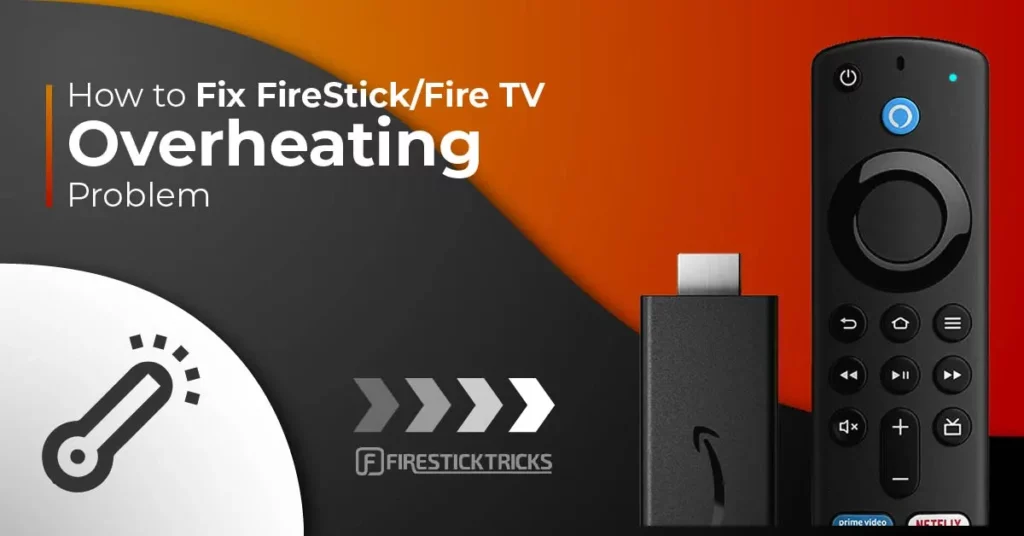
How to Fix FireStick / Fire TV Overheating Problem
Switched to a box after that fiasco. Picked up the Roku Ultra because I already had Roku everything else and didn’t want to learn another ecosystem. Night and day. Menus snap open, no more buffering when switching apps, Ethernet port means I can hardwire it and forget about my spotty 5GHz Wi-Fi dropping during storms. Audio sounds fuller too—Dolby Atmos actually hits different on the box version with my soundbar.
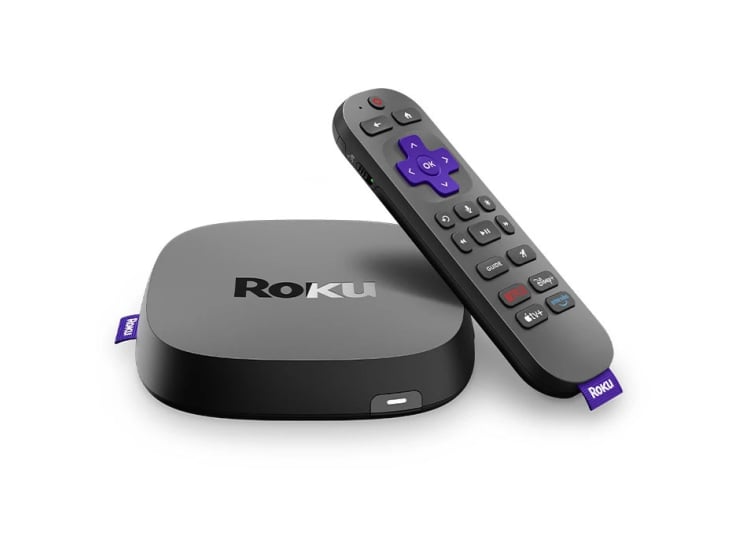

But here’s the thing: boxes take up space. My media console is already a disaster zone—old game consoles, random cables, a stack of board games we never play—and adding another box just made it worse. I’ve literally knocked the Roku Ultra off the shelf twice because I was reaching for the PS5 controller. Sticks win on clutter, no question.
Quick Pros / Cons From Someone Who’s Done It Wrong
Streaming Sticks
- Super cheap most of the time ($25–$60 on sale)
- Almost invisible once installed
- Great if you move TVs or travel with one
- But yeah they get hot, lag on demanding stuff, no Ethernet usually
Streaming Boxes
- Way faster, more storage, better Wi-Fi antennas
- Extra ports (Ethernet, USB on some)
- Handle 4K HDR + Atmos like champs
- But they cost more, take up real estate, another remote to lose
I still waffle. Streaming Boxes vs Streaming Right now I’ve got the Roku Ultra as my main driver because performance matters more to me than aesthetics, but I keep a spare Fire TV Stick in a drawer for when friends come over with their own accounts or if I ever downsize again. Mistakes I made: buying the cheapest stick first without reading reviews about heat issues, then buying a box without checking if my TV stand even had room. Classic me.
Video Link: https://www.youtube.com/watch?v=-RLxDUVt34o
Bottom line? If your internet is solid, your TV spot is ventilated, and you’re mostly doing Netflix/Hulu/Prime, a good stick will probably do 90% of what you need for half the price. If you’re picky about speed, want wired internet, or watch a ton of high-bitrate 4K content,




