



Honestly, I never thought I’d write anything about media players setup because I figured it was just downloading something and hitting play. But last month my old laptop started choking on some video files from my phone, and I got so frustrated I actually sat down with a cold cup of coffee (the AC was humming too loud in the background, making it hard to focus) and tried to sort it out like a normal person. This might sound dumb but I kinda assumed Windows Media Player would handle everything… it didn’t.
Anyway, I ended up poking around with VLC and a couple others. Here’s how it went for me, with all the hesitation and second thoughts included. No expert stuff, just what happened when I tried.
Why I Even Bothered with Media Players Setup
I was trying to watch some old family videos I transferred over, and they kept freezing or the sound would go out of sync. Checked my phone real quick—yep, still raining outside, traffic noise from the street below. I didn’t think this would matter but picking the right player actually fixed half my headaches. At first I stuck with whatever came built-in, but that got old fast.
I misunderstood how much formats matter. Thought “video is video,” right? Nope. Some files just wouldn’t play nice.
My First Attempt: The Built-in Stuff (and the Mistake)
Started with whatever Windows had. On my machine it was the legacy version or something—I had to go into settings to even turn it on properly. Honestly, it was okay for basic MP4s but anything slightly weird? Forget it.
- Downloaded a random MKV file
- Player froze
- I restarted the whole computer like an idiot
- Still no luck
This is where it got weird… I almost gave up and just watched on my phone. But then I remembered hearing about VLC everywhere.
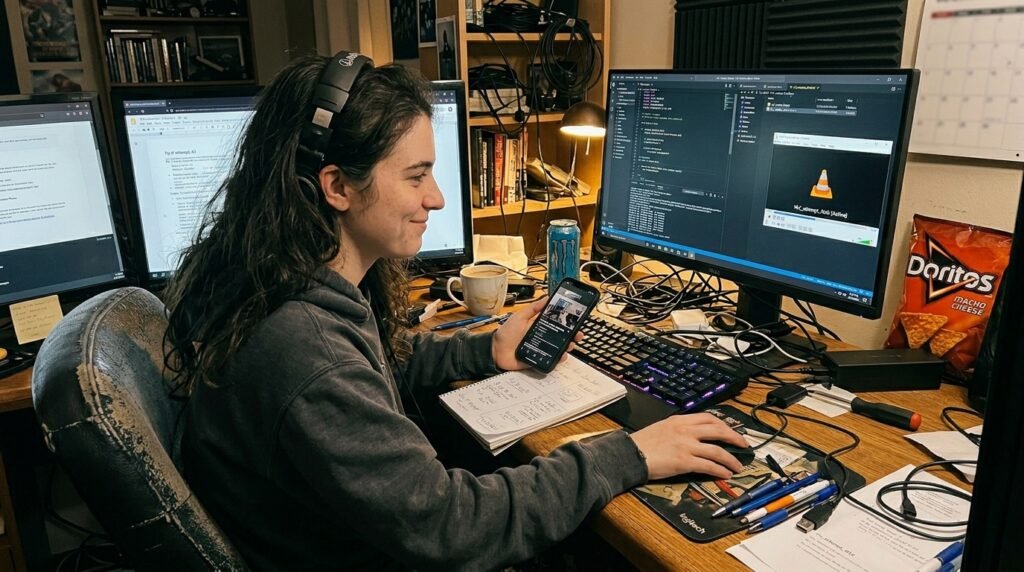
I changed my mind about VLC after the first install. At first I thought it looked too plain and maybe complicated, but once I got past the initial download it was way more forgiving than I expected.
Downloading and Basic Media Players Setup (What I Actually Did)
Went to the official site—videolan.org for VLC, because I didn’t want sketchy downloads. The install was straightforward, but I hesitated on some options because who reads all that? Clicked through kinda fast.
Steps I followed (messy version):
- Typed the site in my browser
- Hit download (took a minute, coffee got colder)
- Ran the installer—said yes to defaults mostly
- Opened it and dragged a video file in
It played! But subtitles were tiny and the colors looked off at first. I didn’t think this would matter but tweaking the video settings made a surprising difference.
If you’re on Windows, sometimes the built-in one needs enabling through features—Microsoft has a support page for that if you’re stuck like I was.
The Part Where I Messed Up Subtitles and Audio
This might sound dumb but I spent way too long trying to get subtitles to show up properly. Loaded a movie, no subs. Realized I had to download them separately sometimes. Then they were out of sync by like 2 seconds. Frustrating.
In VLC you can adjust timing with hotkeys, but I kept forgetting which ones. Background TV was on low in the other room, adding to the chaos.
I kinda over-explained it to myself while doing it: “Okay, go to Tools > Track Synchronization…” and then I’d lose track.
Other Players I Tried (and Why I Almost Switched)
Tried PotPlayer after seeing it mentioned somewhere. It felt snappier for some files, but the interface threw me off at first—too many buttons. Changed my mind again and stuck mostly with VLC because it just works across different file types without complaining.
Windows Media Player legacy is still there if you want simple, but it doesn’t handle as much weird stuff.
- Pros of sticking with one: less confusion
- Cons: sometimes you miss better options for specific videos
Anyway…
A Quick Video I Watched When I Got Stuck
I ended up searching YouTube for a beginner tutorial because my own trial-and-error was taking forever. This one helped a lot: “How to use VLC media player (Easiest Way)” – I watched it while eating lunch, pausing every few minutes to try the steps myself. It covers install to basic tweaks. Link: https://www.youtube.com/watch?v=Yfb5OoVDPzw Felt less alone seeing someone else click through slowly.
Random Thoughts and Small Doubts
Is spending this much time on media players setup even worth it? Sometimes I still wonder. But when a video finally plays smooth without stuttering, it’s kinda satisfying. The AC hum was still there the whole time, reminding me life doesn’t pause.
I contradicted myself halfway—started thinking “just use the default” then realized VLC saved me multiple times.
Wrapping It Up (Sort Of)
So yeah, that’s my messy experience with media players setup for beginners. I made the classic mistake of assuming everything would just work, misunderstood how picky formats can be, and changed my mind about sticking to built-in players. Honestly, start simple with VLC from the official site, play around, and don’t stress the small stuff like I did at first.
My one honest takeaway? It doesn’t have to be perfect—most of the time “good enough” gets the movie playing. If you’re sitting there frustrated like I was, just try downloading VLC and dragging a file in. Might work better than you think.
Let me know in the comments if you run into the same subtitle headache or whatever—always curious what trips other people up. Anyway, back to my now room-temperature coffee.




